

NEW FEATURES
Release Date: September 7, 2025
Added SSO feature
Through the SSO(Single Sign-On) feature, the SSO icon and the corresponding Solution are displayed only for Solutions registered to the logged-in account, and you can easily access CRScube Solution with a single login.
[1] The cubeLMS access account is not registered in any other SSO-enabled solution
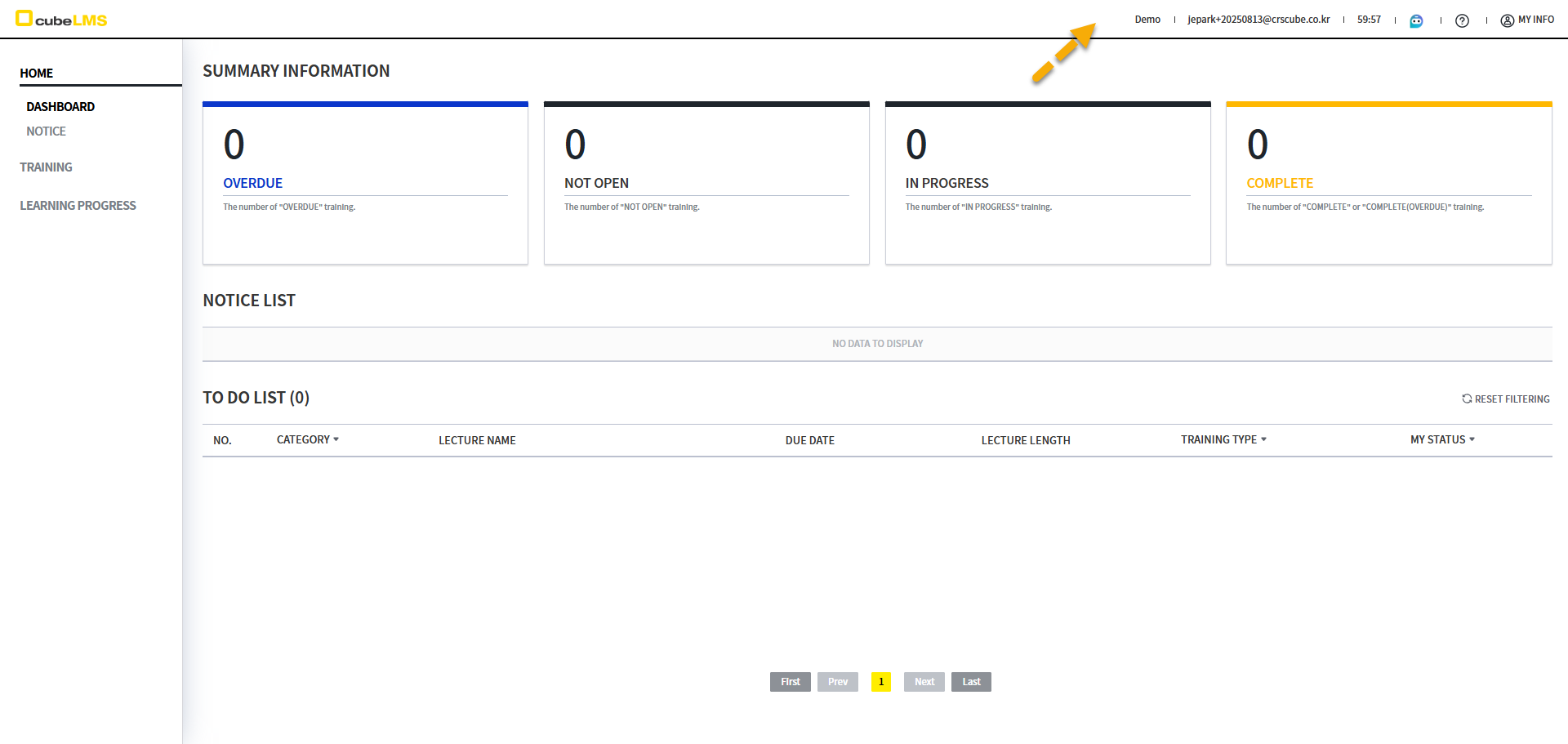
→ The SSO icon is not displayed.
[2] The logged-in cubeLMS account is registered in one or more other SSO-capable solutions.
Click the SSO button to display the Solution registered to that account.
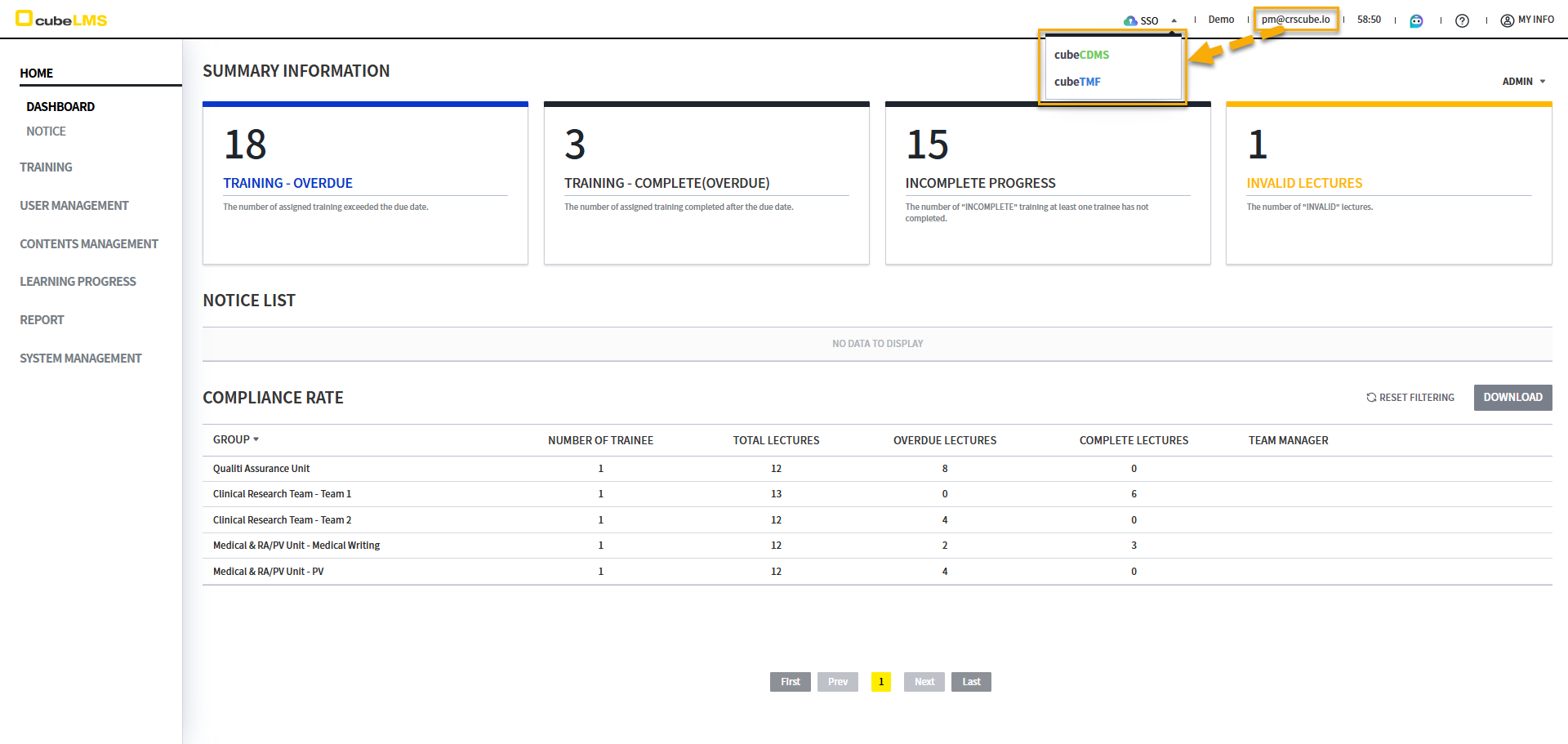
2-2) If you click the Solution you want to move to, you will be taken to the screen for the same account as cubeLMS in a new tab in the same browser.
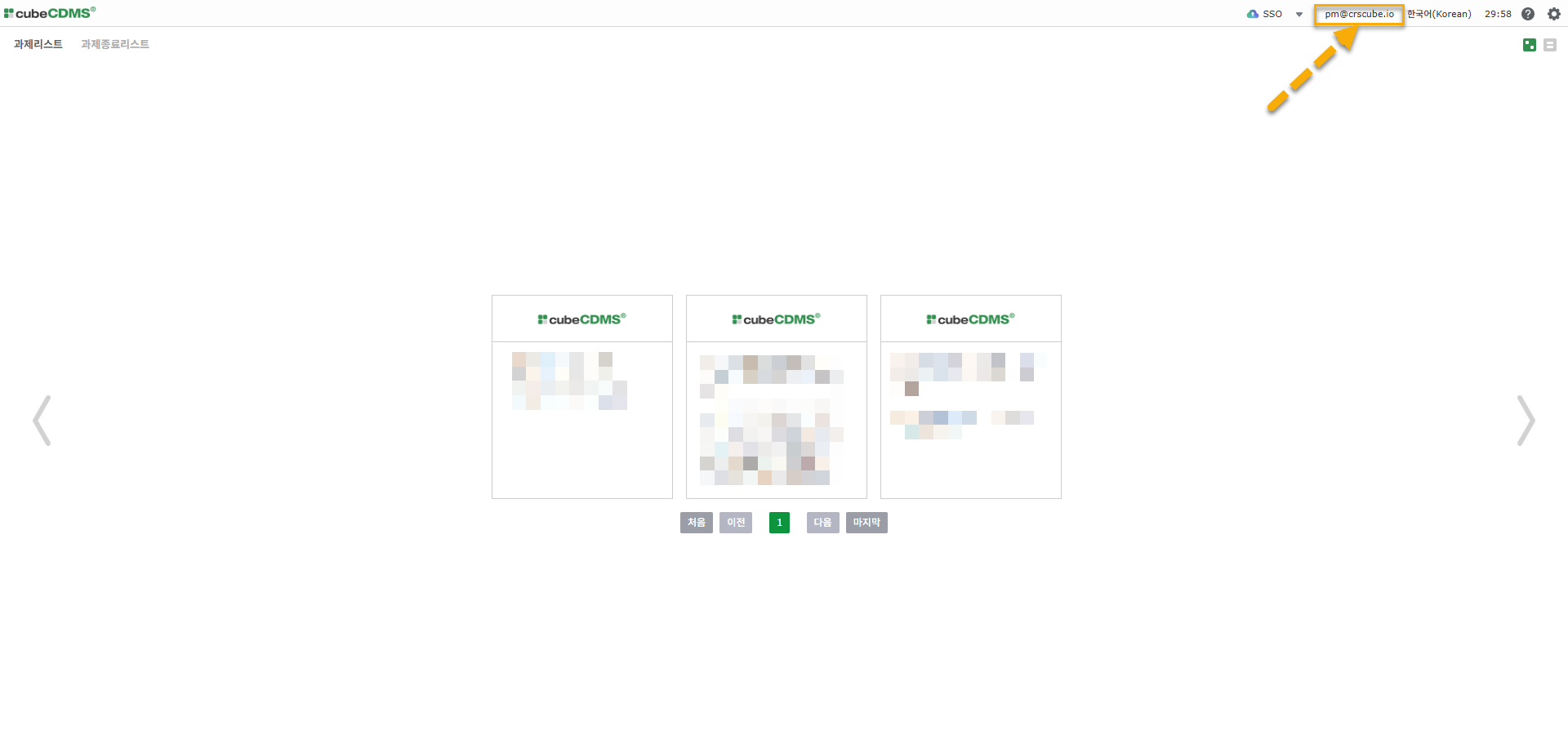
SSO(Single Sign-On) functions as follows.
-
When moving via SSO, it opens in a new tab.
-
It works only in the same browser.
-
It works only if the browser session has not expired.
-
If Time out occurs or you log out manually, the SSO function no longer works.
-
-
However, the SSO button is not displayed on the screens below.
-
TRAINING HISTORY -
PROGRAM INVITE URL
-
-
It works only between the same servers.
-
Edu LMS ↔ Beta CDMS / Real LMS ↔ Real CDMS
-
-
Logout works separately for each solution.
When moving from cubeLMS to cubeCDMS via SSO, it works as follows.
-
cubeCDMS
-
If there is an account on cubeCDMS (same account as cubeLMS) → move to the logged-in cubeCDMS.
-