JOB TITLE menu lets you register and manage the job titles used in your company.
JOB TITLE LIST
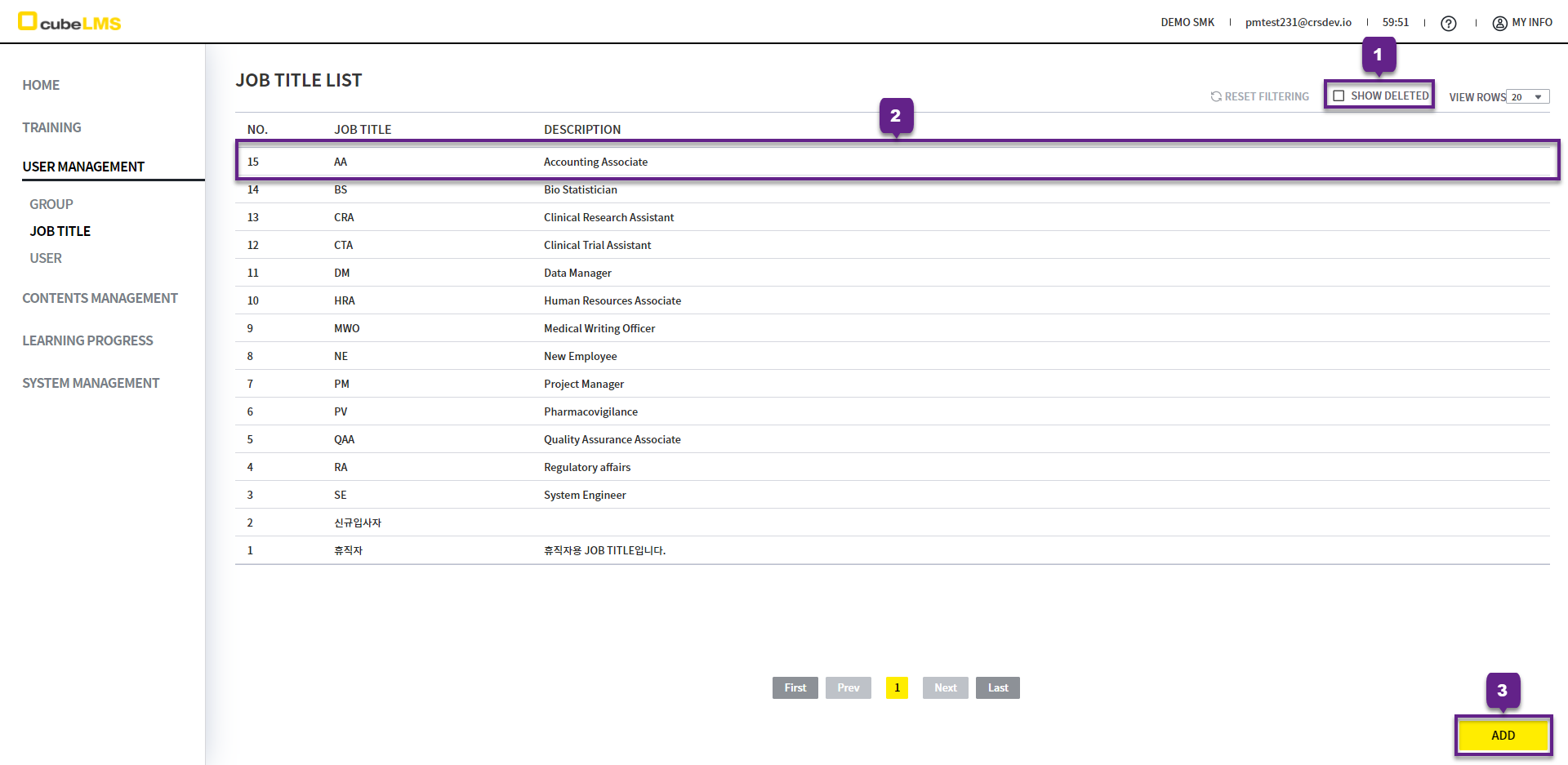
1. Show Deleted checkbox: You can view deleted Job Title.
2. Click each row to go to the Job Title details page.
3. Add button: You can register a new Job Title.
ADD JOB TITLE
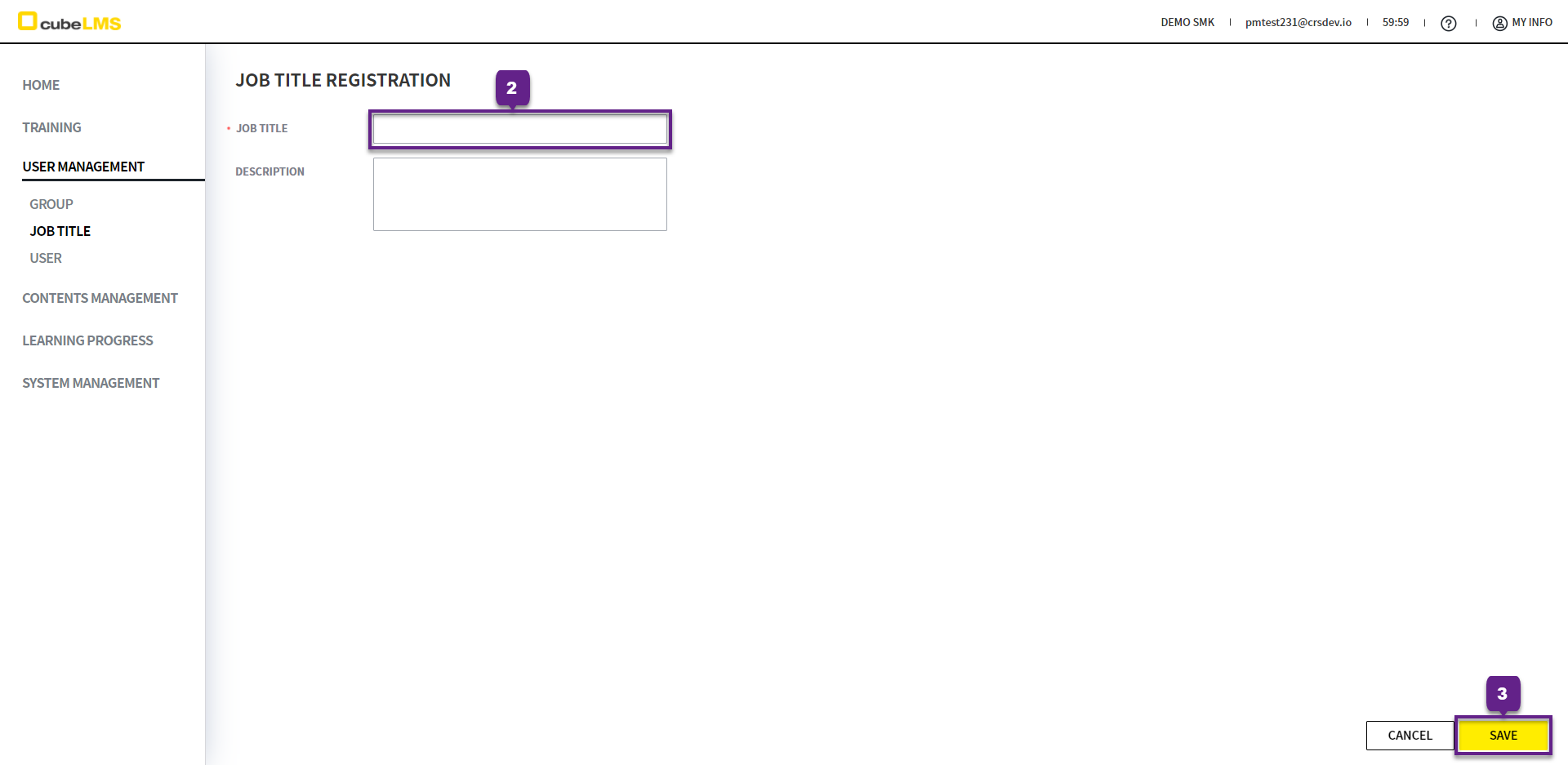
1. Click the Add button to add a new Job Title.
2. Enter the name of the Job Title to register. Duplicate Job Titles cannot be registered.
3. Save button: the Job Title is created.
EDIT JOB TITLE
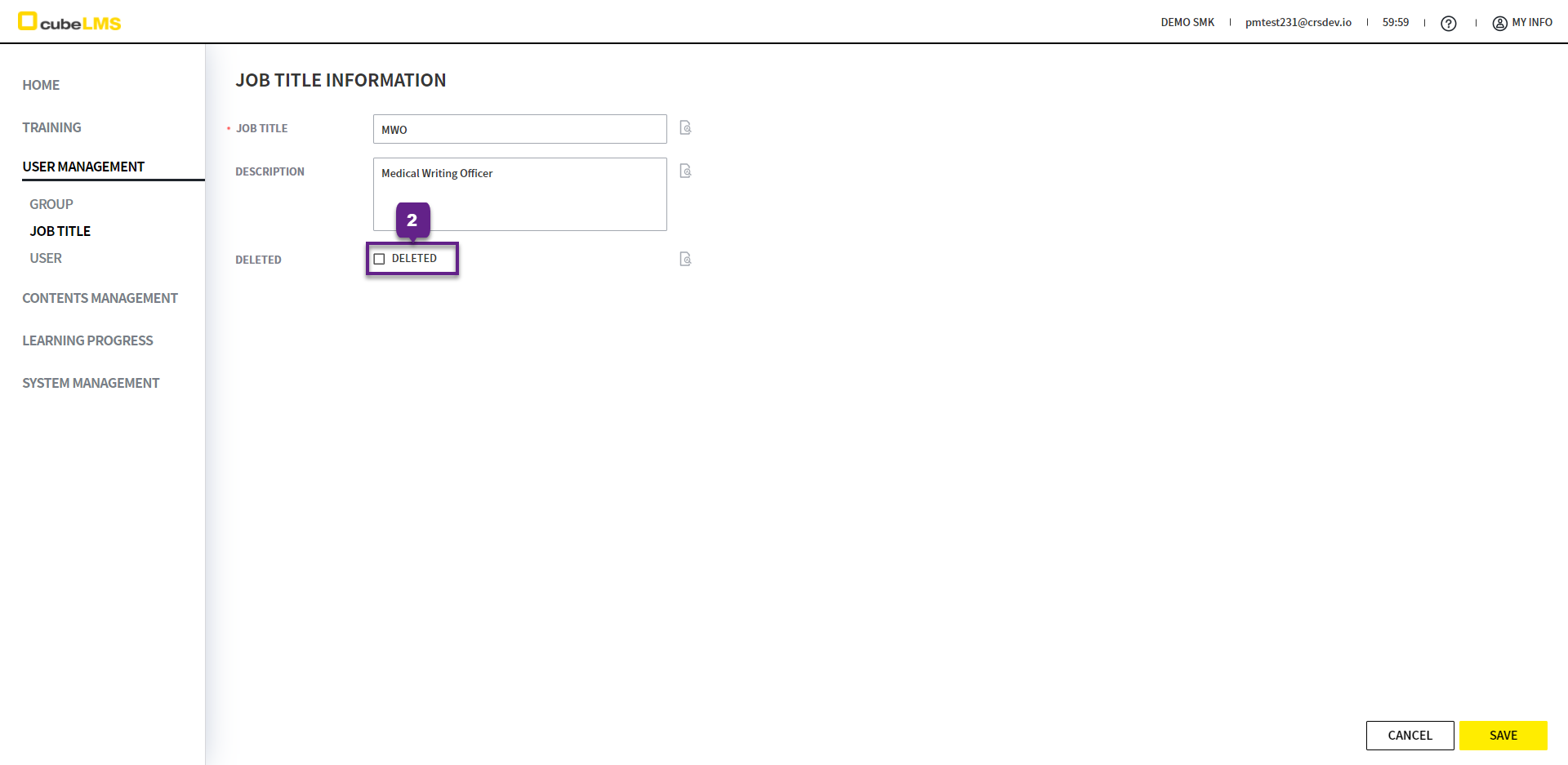
1. Click each row to go to the Job Title details and edit page.
2. Deleted checkbox: You can delete the Job Title.