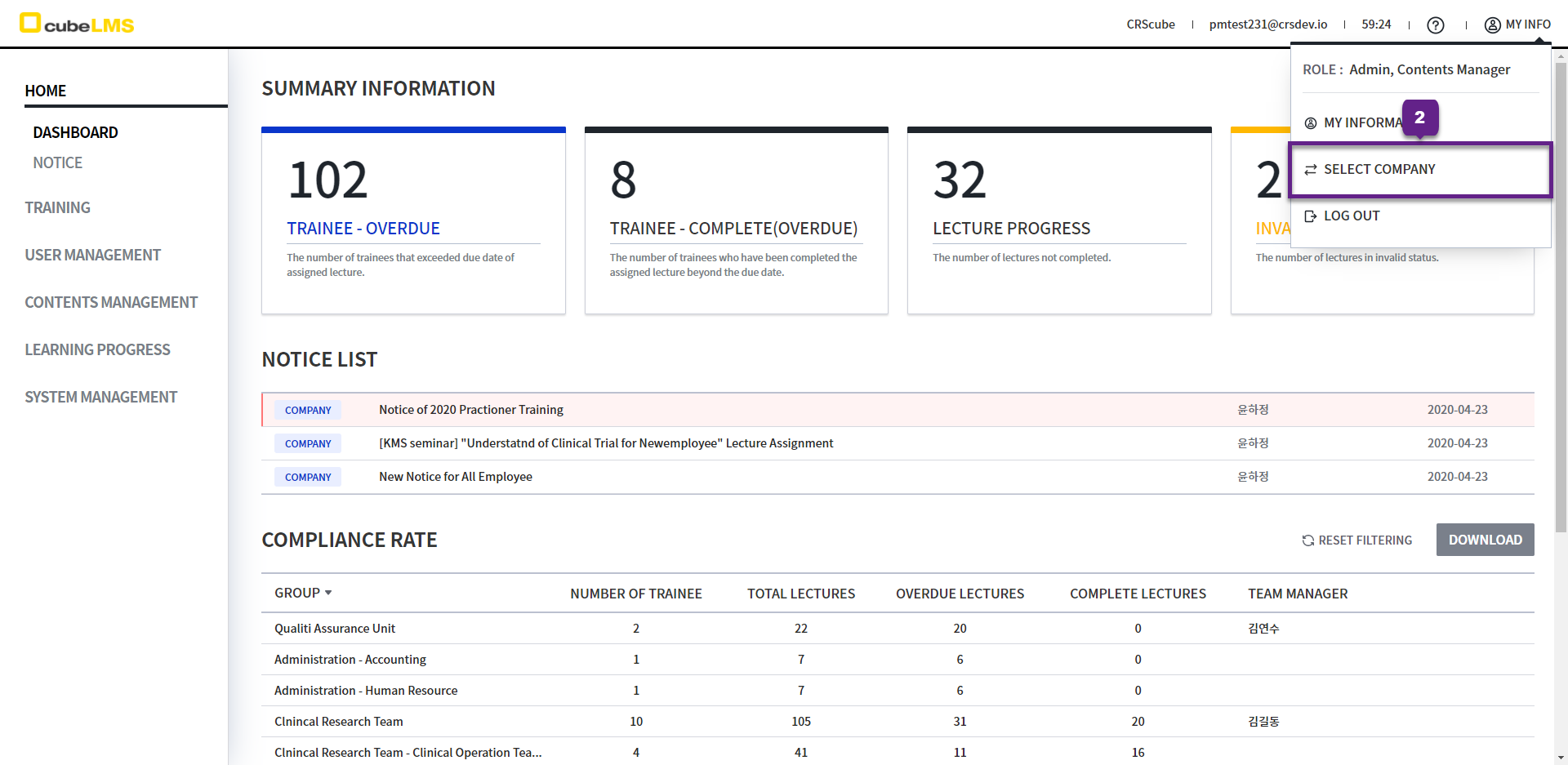
The screen you are taken to depends on the number of companies the logged-in User belongs to, as follows.
-
If there is only one company:
Dashboardscreen -
If there are two or more companies:
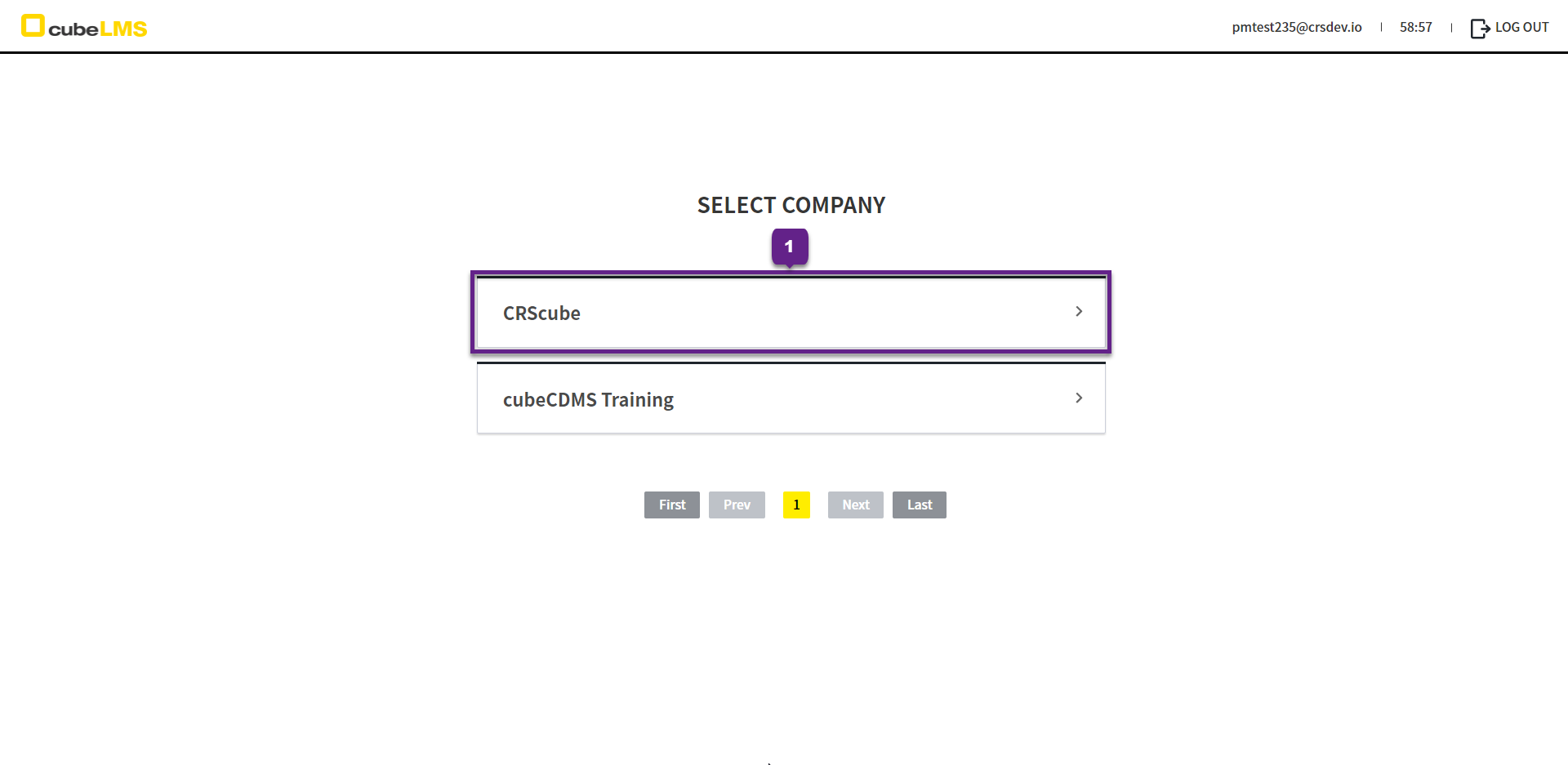
Select Companyscreen
1. The list of affiliated companies is displayed, and you can click a company to move to that company.
However, if the company is in Deleted or Inactive status, access is not available.
2. My Info can also take you to the Select Company screen.