TOOLBAR
-
It is displayed when there is an accessible solution in cubeSolution. Clicking it shows the solutions you can move to.
-
The name of the company you are currently in is displayed.
-
The E-mail of the logged-in User is displayed.
-
The remaining time until automatic logout is displayed.
-
When clicked, the cubeBot pop-up appears.
-
When clicked, the system information pop-up appears.
-
When clicked, the My Info pop-up appears.

cubeBot
Inquiries about manual content related to the relevant quarter's transfer in cubeBot can be answered after the regular transfer.
Please note that cubeBot answers may contain errors, and if no related material is available in the cubeBot answer, you may not receive the answer you want.
1. Click the cubeBot icon in the upper right corner of the LMS Toolbar.

-
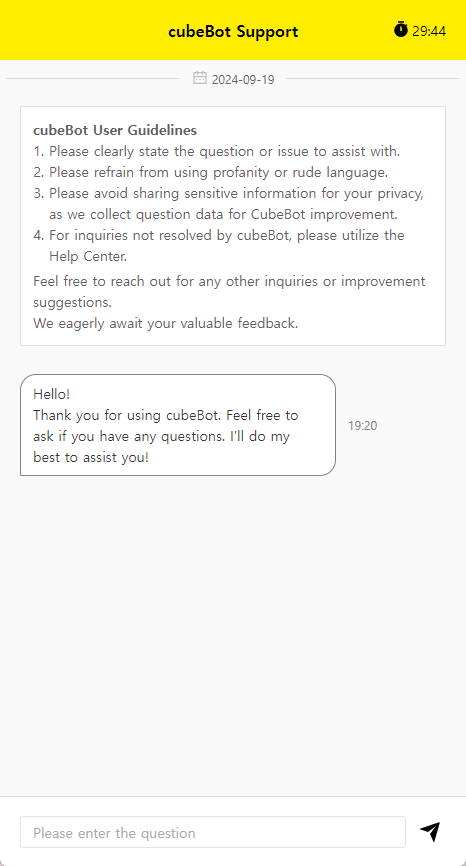
The cubeBot usage guidelines are displayed when you access cubeBot for the first time each day.
-
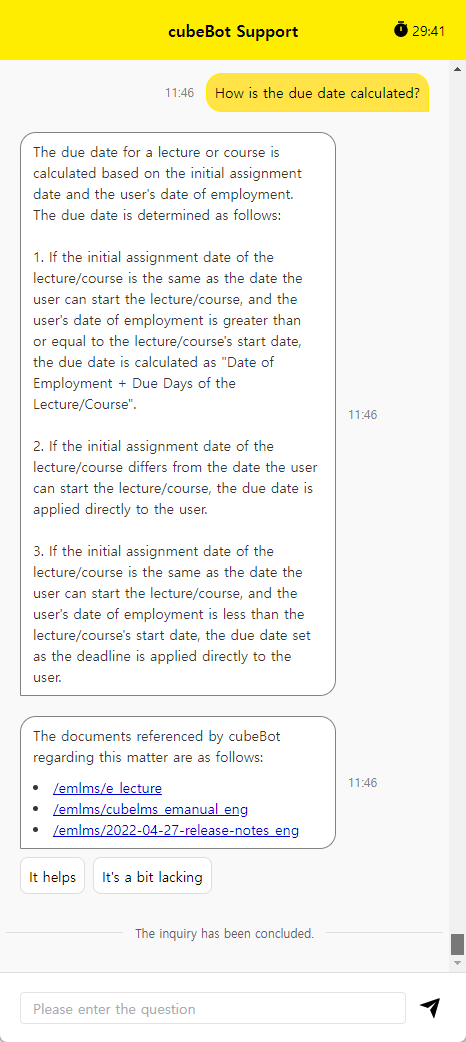
When you enter a question at the bottom and ask cubeBot, three eManual links that cubeBot referenced are generated along with the answer.
You can enter up to 500 characters for the question, and clicking an eManual link takes you directly to the manual page.
-
사용자는 cubeBot 답변에 대한 의견을 남길 수 있습니다.
”도움이 되었어요” 클릭 시, 피드백 버튼은 사라집니다.
”아쉬워요” 클릭 시, 의견을 남길 수 있는 팝업이 발생하며 최대 1,000자까지 입력할 수 있습니다.
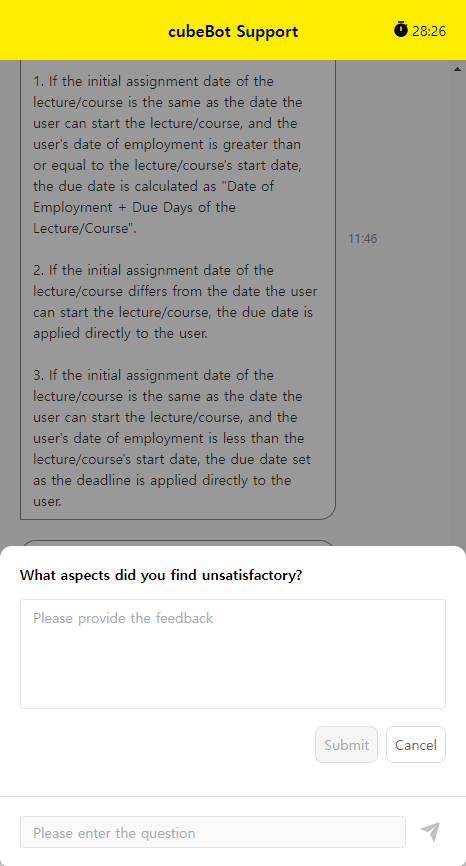
cubeBot inquiry history is retained for up to one month, and you can review previous inquiries.
SSO
-
SSO (Single Sign-On) means a single sign-on system. Users can access multiple CRScube solutions through a single login process. If you are using one or more solutions from CRScube, you can easily access CRScube Solution with one login without logging in to each solution separately.
[1] The cubeLMS access account is not registered in any other SSO-enabled solution.
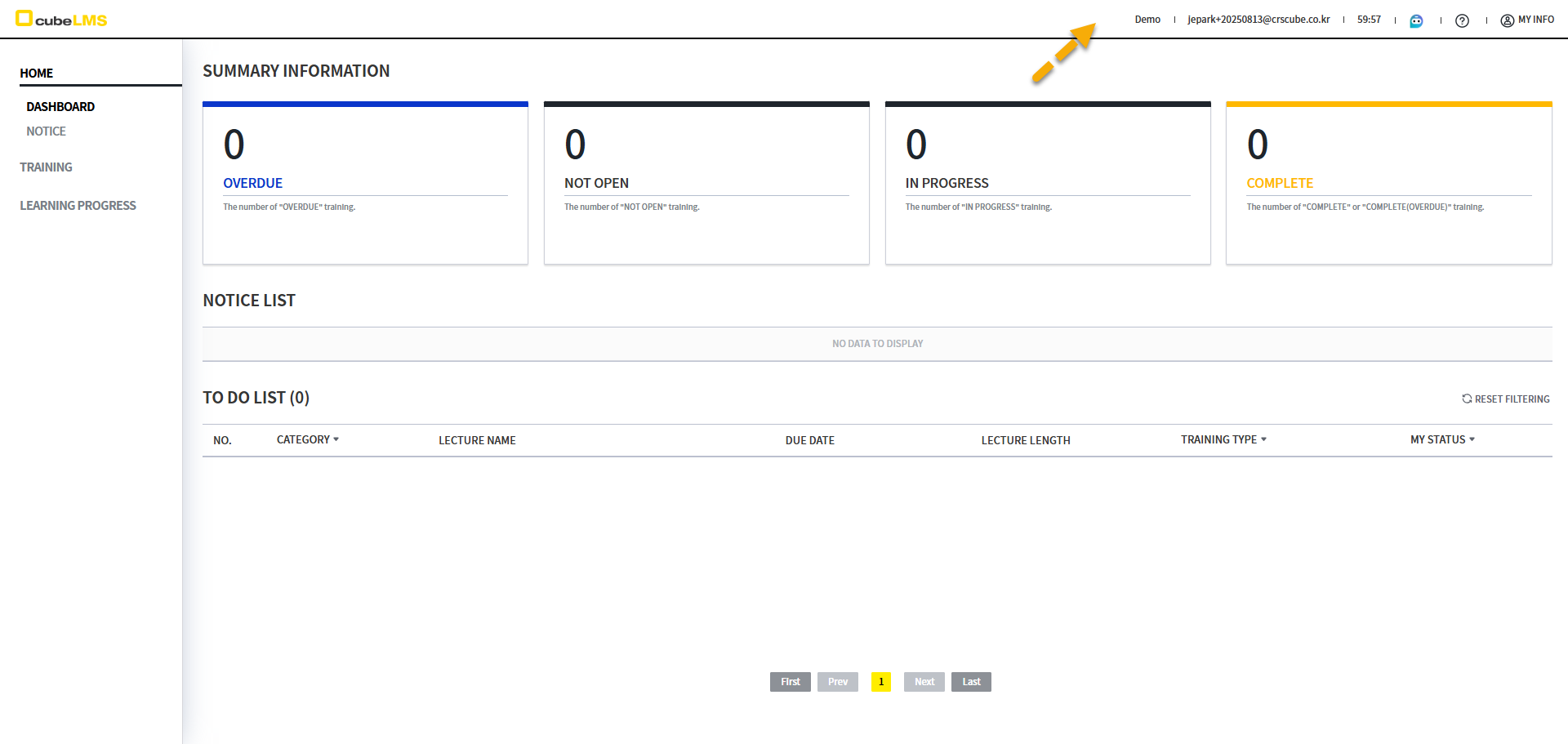
→ The SSO icon is not displayed.
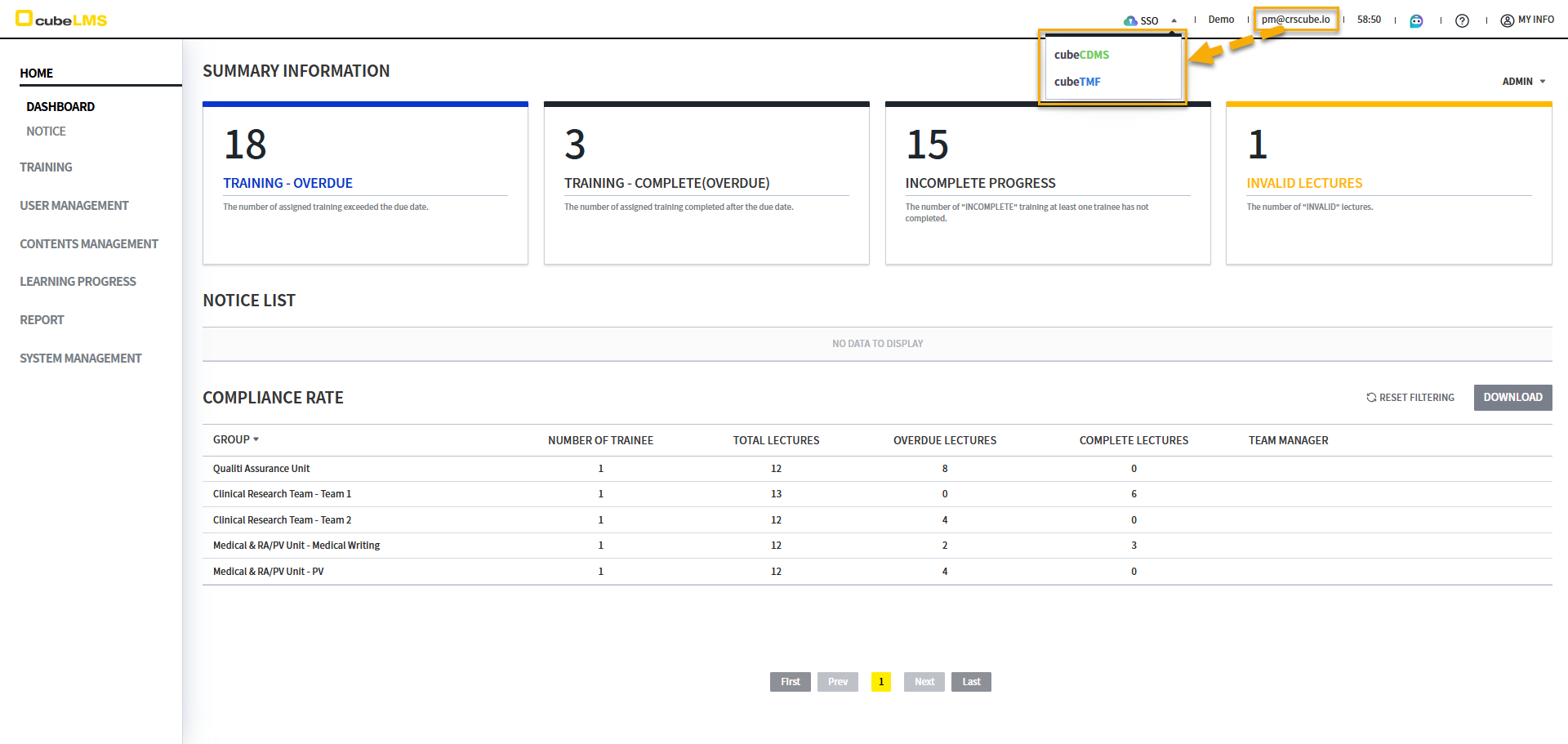
[2] The cubeLMS access account is registered in at least one other SSO-capable Solution.
2-1) If you click the SSO button, the Solution registered to that account is displayed.
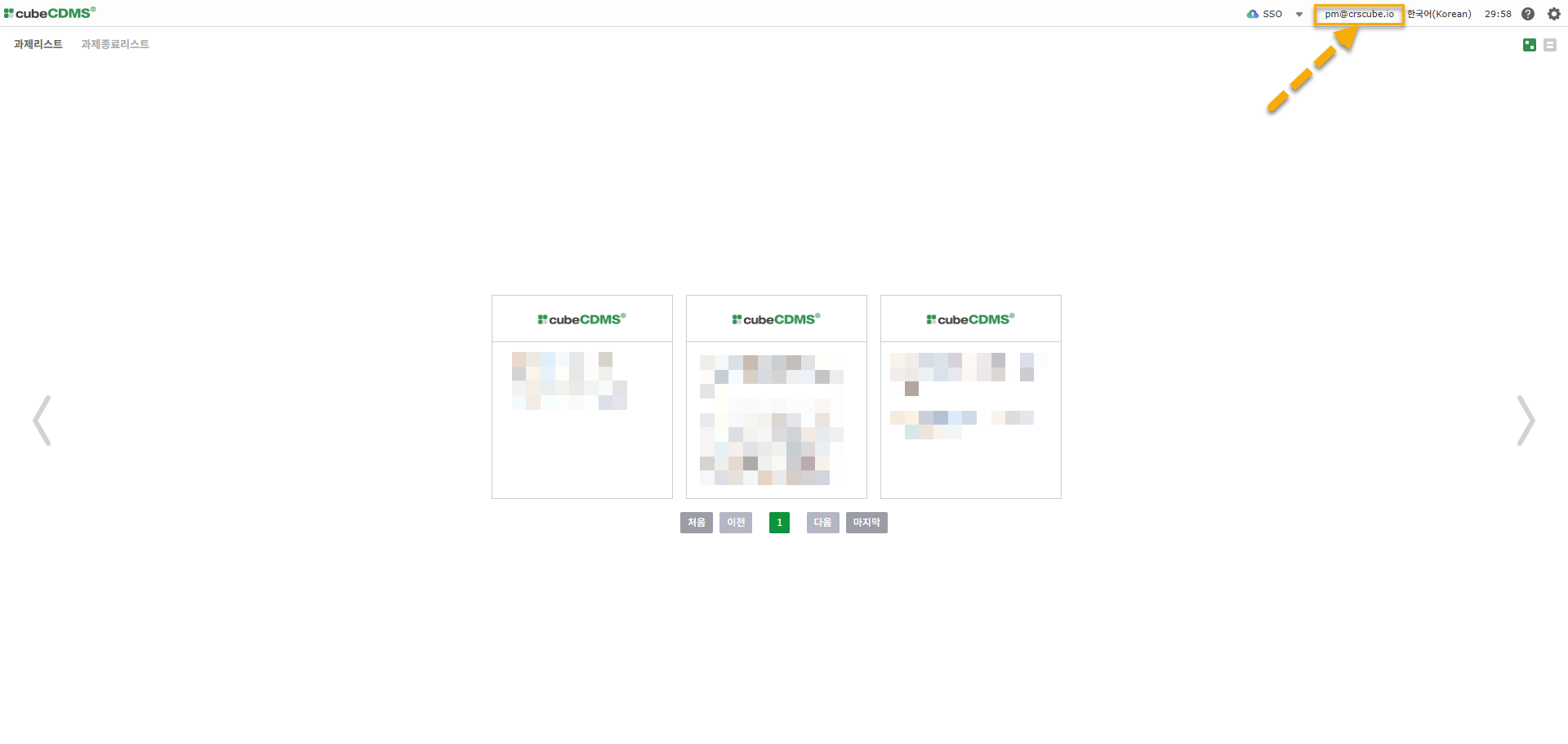
2-2) When you click the Solution you want to access, the screen for the same account as cubeLMS opens in a new tab in the same browser.
SSO(Single Sign-On) works as follows.
-
When you access it via SSO, it opens in a new tab.
-
It works only in the same browser.
-
It works only if the browser session has not expired.
-
If Time out occurs or you log out manually, the SSO feature no longer works.
-
-
However, the SSO button is not displayed on the screens below.
-
TRAINING HISTORY -
PROGRAM INVITE URL
-
-
It works only between the same servers.
-
Edu LMS ↔ Beta CDMS / Real LMS ↔ Real CDMS
-
-
Logging out is handled separately for each solution.
SYSTEM INFO
Click the question mark icon to view the current system information or Online Manual or Help Center to go to.
-
VERSION: The solution version information is displayed. -
LAST RELEASE DATE: The most recent regular transfer date is displayed. -
ONLINE MANUAL: cubeLMS's eManual page, where you can view the manual. -
HELP CENTER: If you agree to the personal information provision terms that appear when you click, HELP CENTER page, where you can create a Ticket and send it to CRScube.

MY INFO
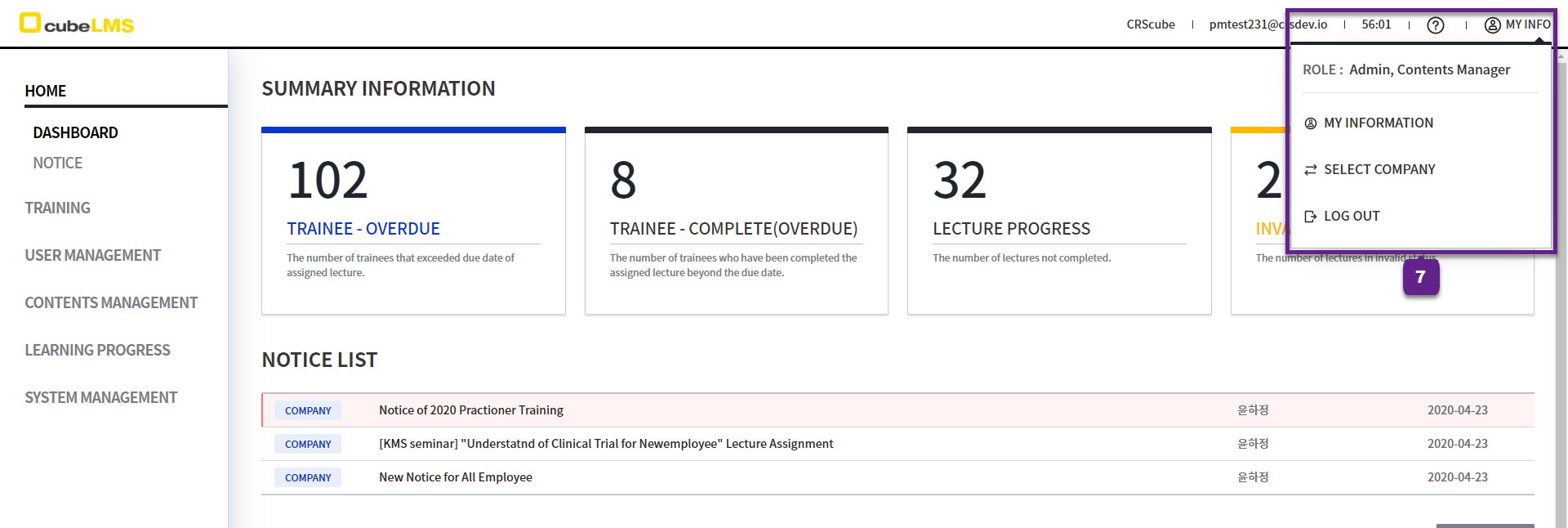
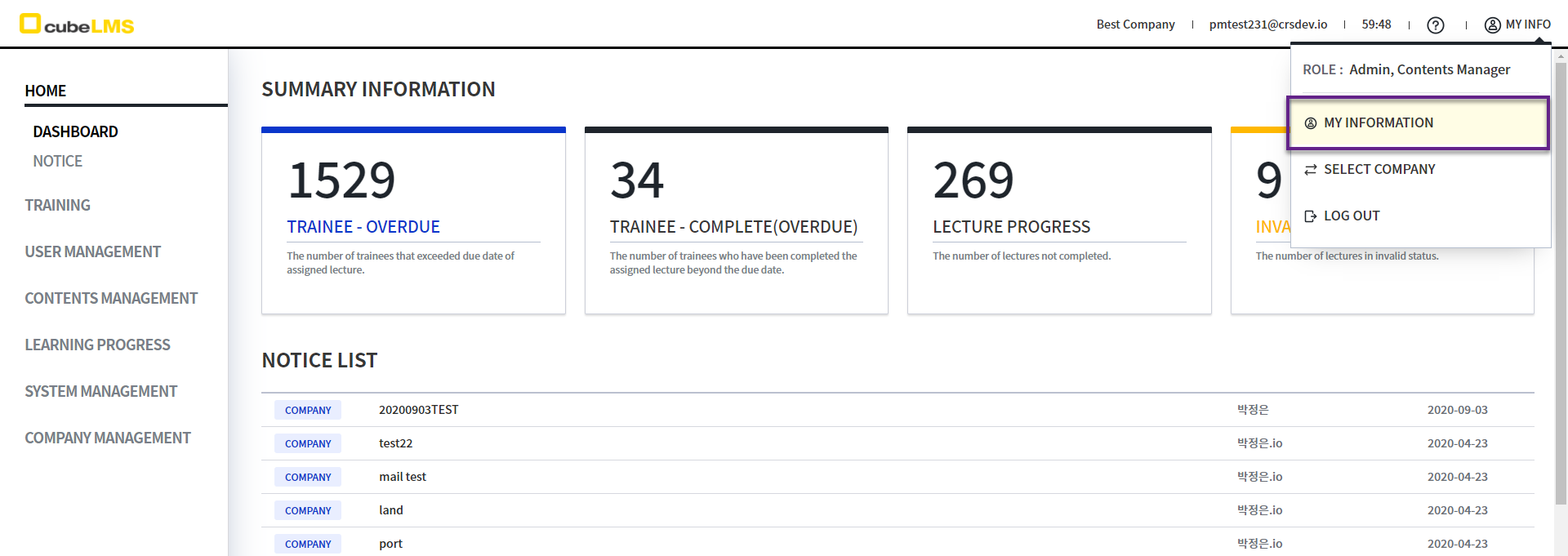
1. My Info: Clicking it allows you to view and edit your information, change companies, and log out.
-
ROLE:The assigned Role is displayed. -
MY INFORMATION:Click to go to the page where you can view your information and change your password. -
SELECT COMPANY :Click to go to the page where you can select another company. -
LOG OUT:Click to log out.
MY INFORMATION
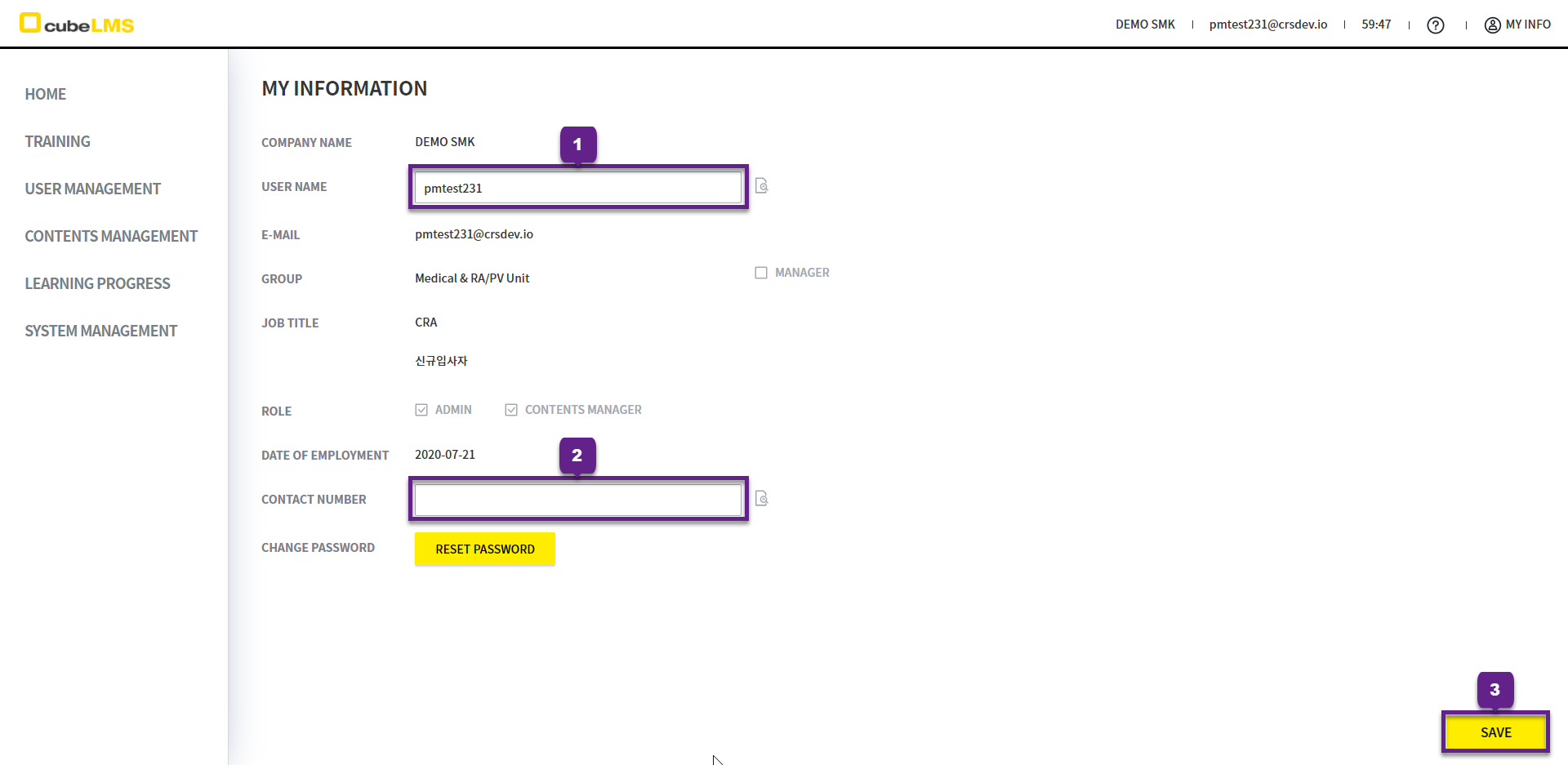
MY INFORMATION: Click to change your user information and password.
CHANGE MY PROFILE
1. User Name: You can edit the name.
2. Contact Number: You can edit your phone number.
3. Save button: Click it to complete the changes.
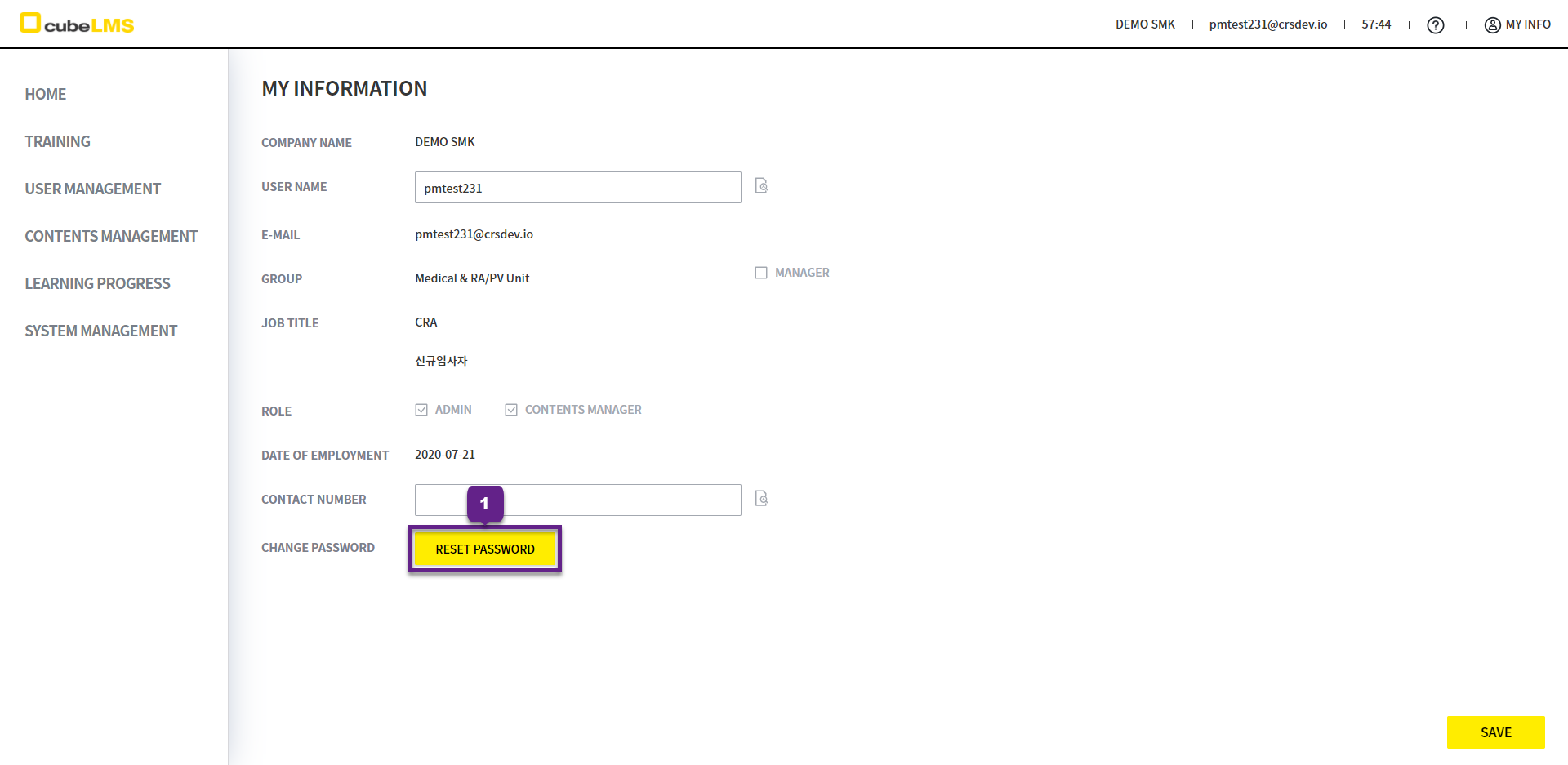
RESET PASSWORD
1. RESET PASSWORD: Click the button to change your password.
2. A popup message appears indicating that an E-mail for password change has been sent.
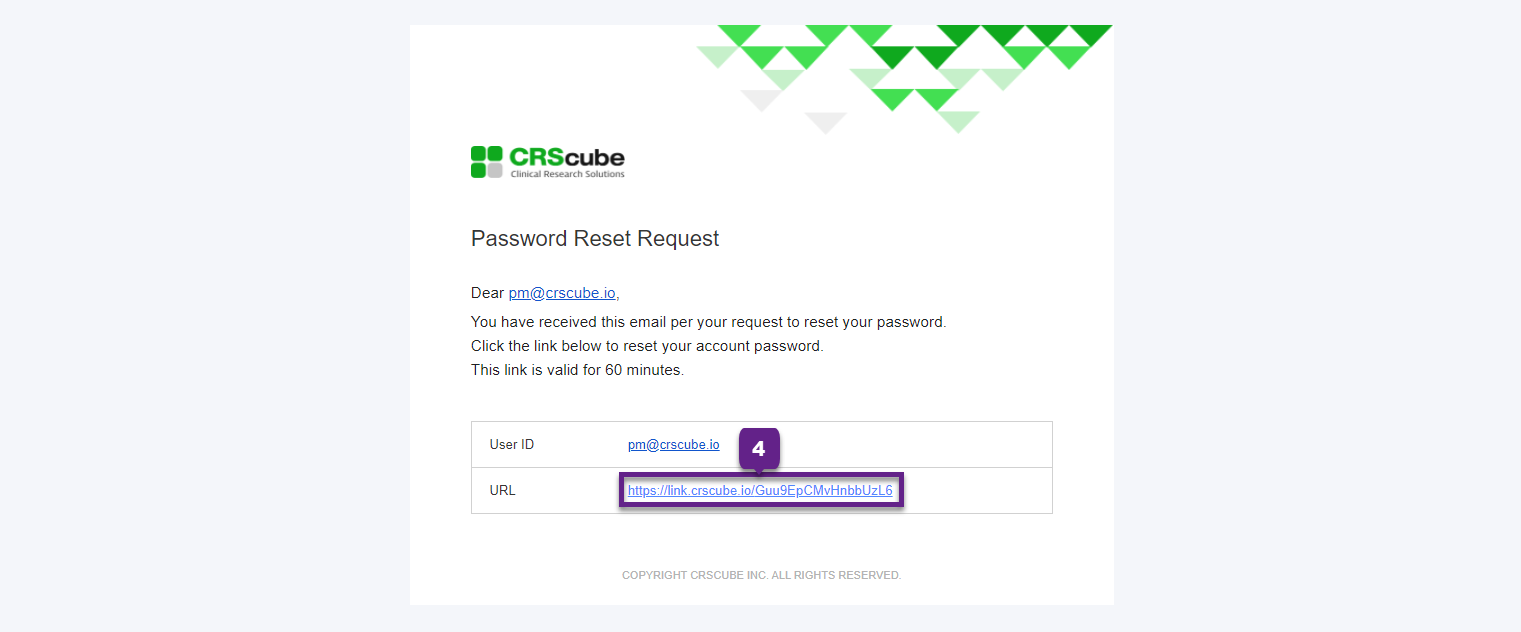
3. Password Reset Request E-mailis sent.
4. Click the URL in the email body to complete password setup.
This URL is valid for only 1 hour from the time it is issued, so please complete your password setup before it expires.