ALL
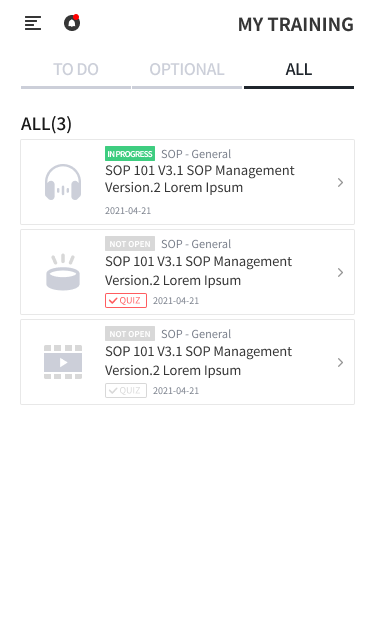
This screen lets you view TRAINING that is not completed (to be done, in progress, or overdue) and completed TRAINING.
-
All assigned LECTURE and COURSE are listed regardless of completion status.
-
You can click a specific LECTURE or COURSE row to open the details page. Even if it is completed, you can still take the CONTENTS on the LECTURE details page.