

SELECT COMPANY
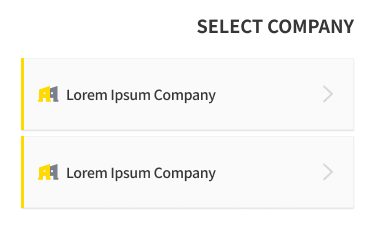
This is the screen for selecting the company to access after logging in. Tap the company you want to access to go to that company's MY TRAINING screen.
Change Company
-
Tap the menu in the upper left corner of the app screen.
-
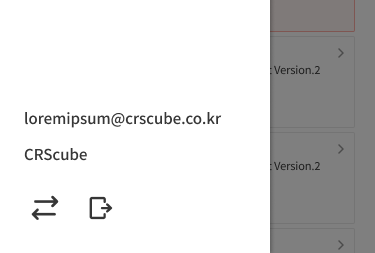
Tap the arrow button in the lower left of the side menu.
-
If there is only one registered company, this option is not available in the side menu.
-
-
Select the company again on the SELECT COMPANY screen.
Troubleshooting
-
If any of the following applies, the company will not be included in this list and cannot be selected. In this case, contact your administrator.
-
The account has not been registered with the company
-
The account has been deleted from the company
-
The account has been deactivated by the company
-