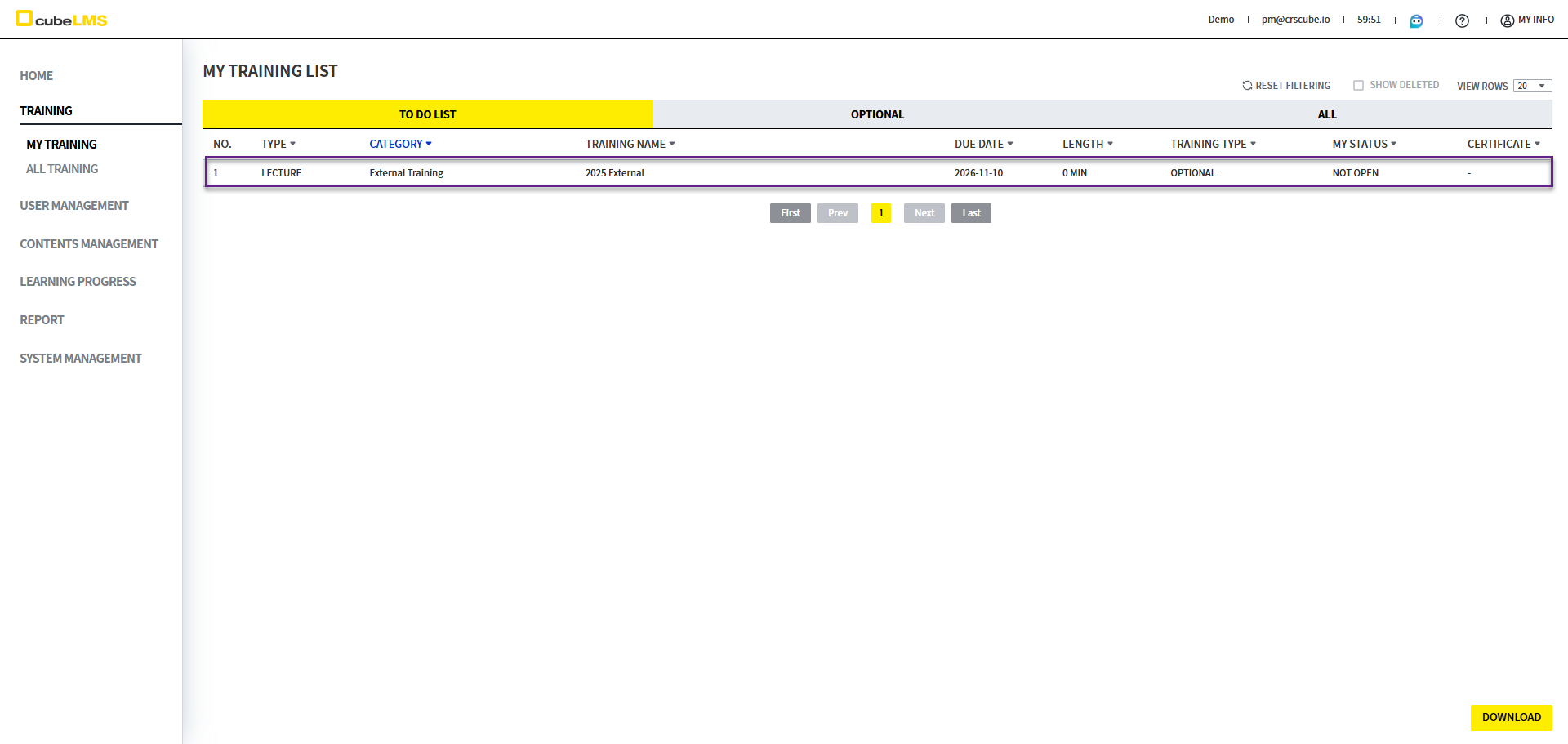
In Optional List, you can view optional Lecture items that are not required.
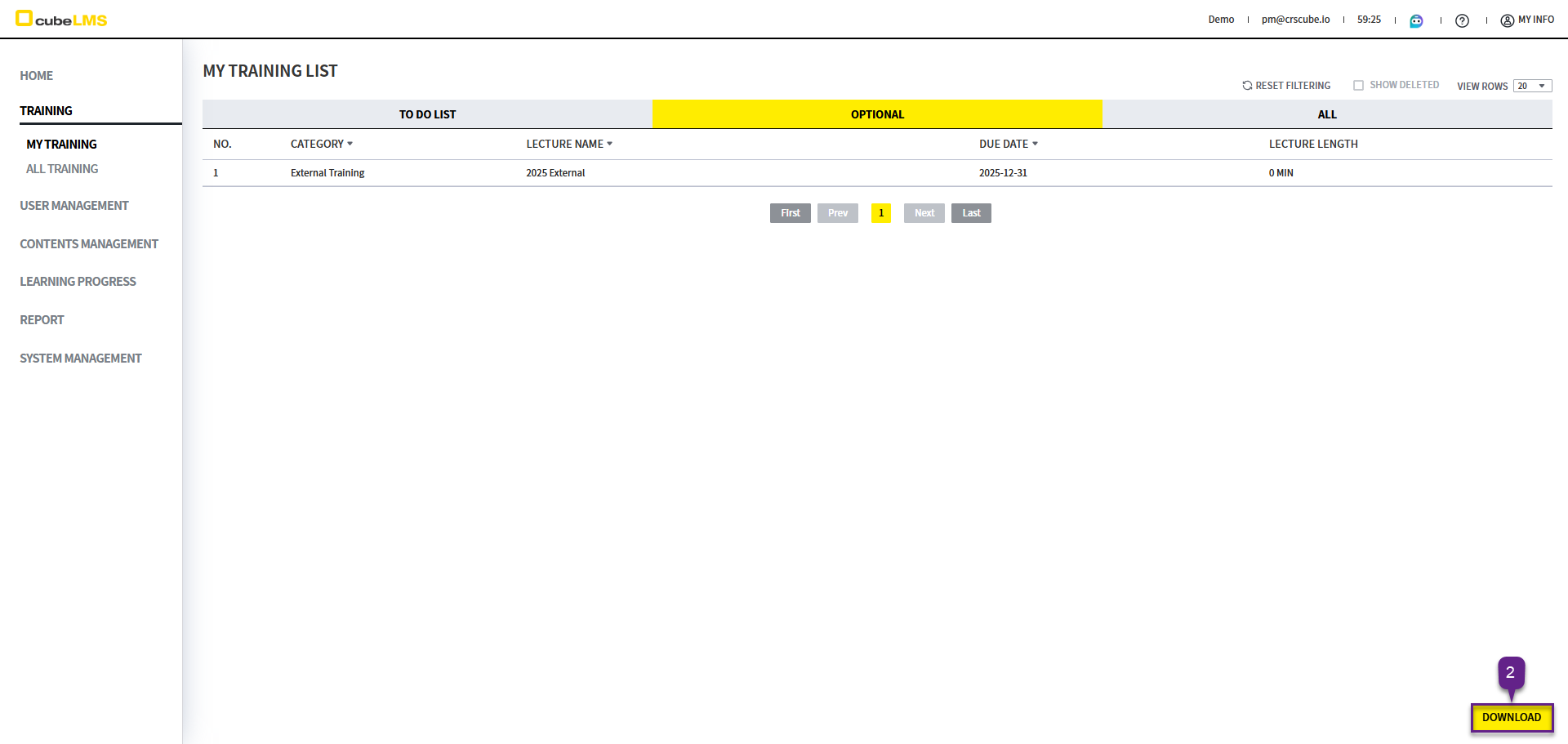
LECTURE LIST
1. Optional Lecture is listed.
2. Download button: You can download the list as an Excel document. If you set a filter, only the filtered results will be downloaded.
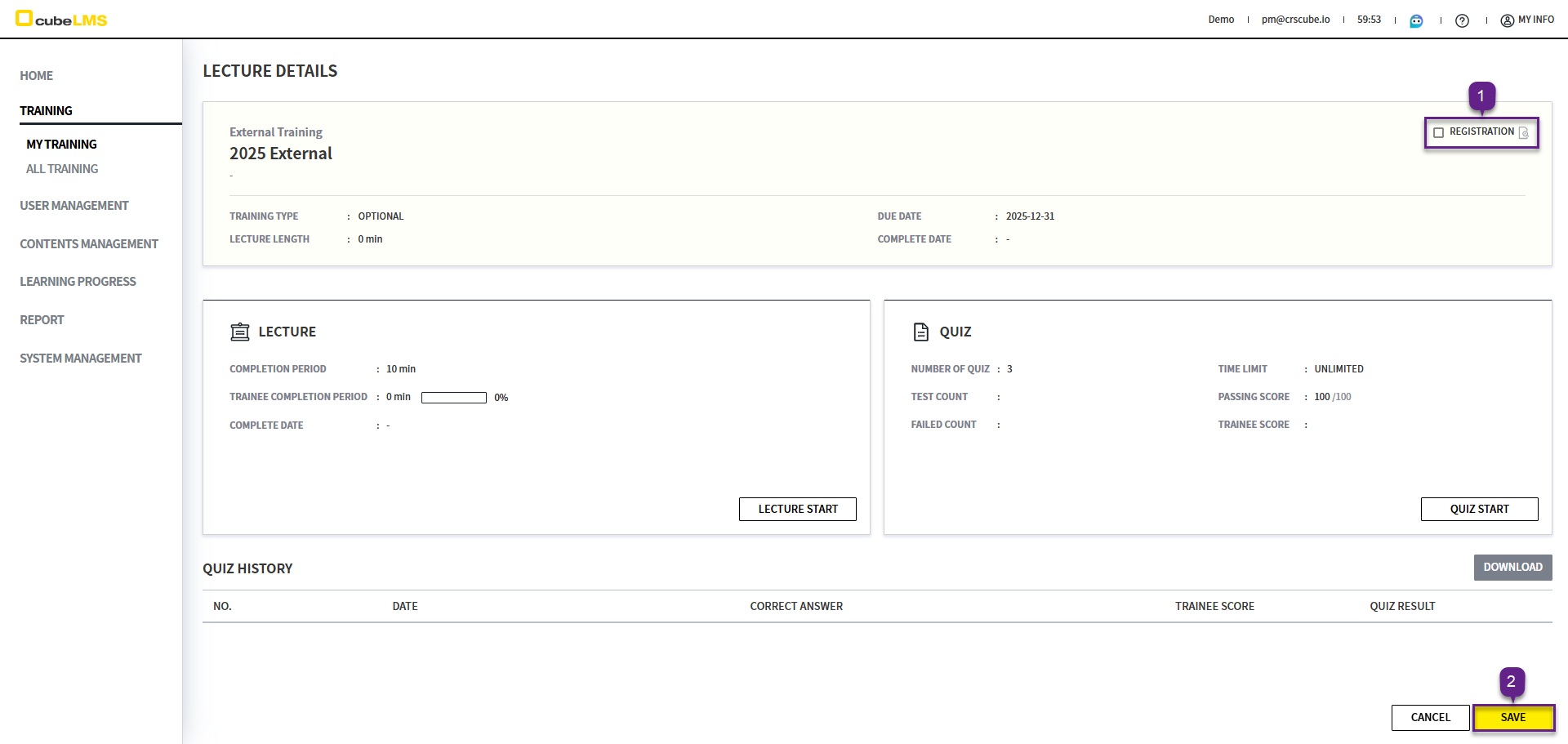
REGISTRATION
Optional Lectureif you want to take it, click according to the procedure below.
1. Click each row to go to the Training details page.
2. Registration check the box and select the Save button.
3. The following popup appears.
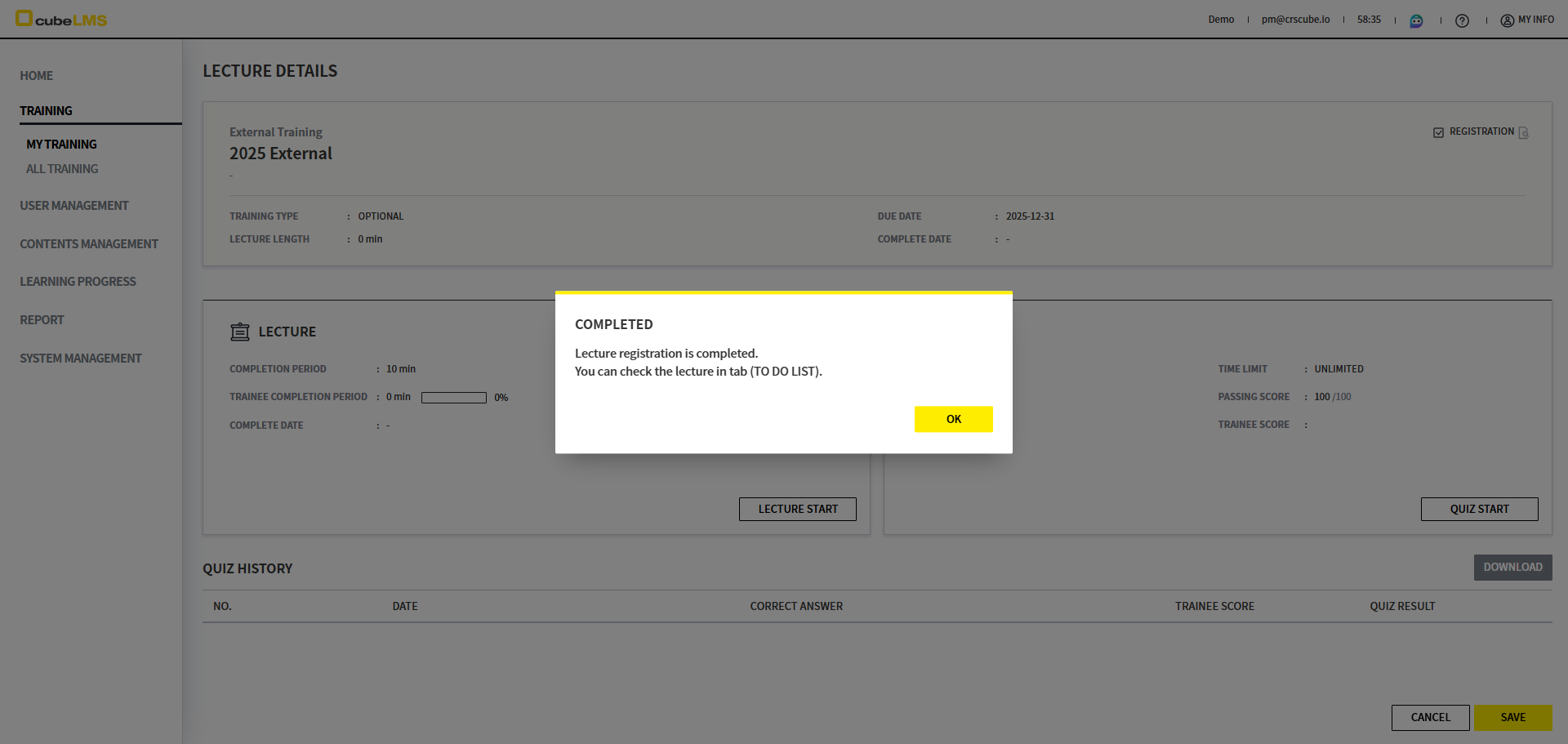
4. Ok button, when clicked, moves that Lecture to the To Do List. User can take that Lecture in the To Do List.